Hosted Calendars Overview
Pro plan. View plans.
Hosted calendars live entirely within CalendarPipe. No OAuth provider, no external calendar service — CalendarPipe is the source of truth. This makes them well suited for bots, agents, and automated scheduling workflows.
Key Concepts
| Concept | Description |
|---|---|
feedToken | Secret used only in the ICS feed URL (/feed/{feedToken}). Regenerating it invalidates existing ICS subscriptions. Does not change calendarEmail. |
calendarEmail | Stable cal-…@in.calendarpipe.com address for invitation delivery and RSVP routing. Independent of feedToken so invitees cannot derive the feed URL. |
organizerDisplayName | The name shown as the event organizer on invitations. Set this to something human-readable when creating agent calendars. |
Create a Hosted Calendar
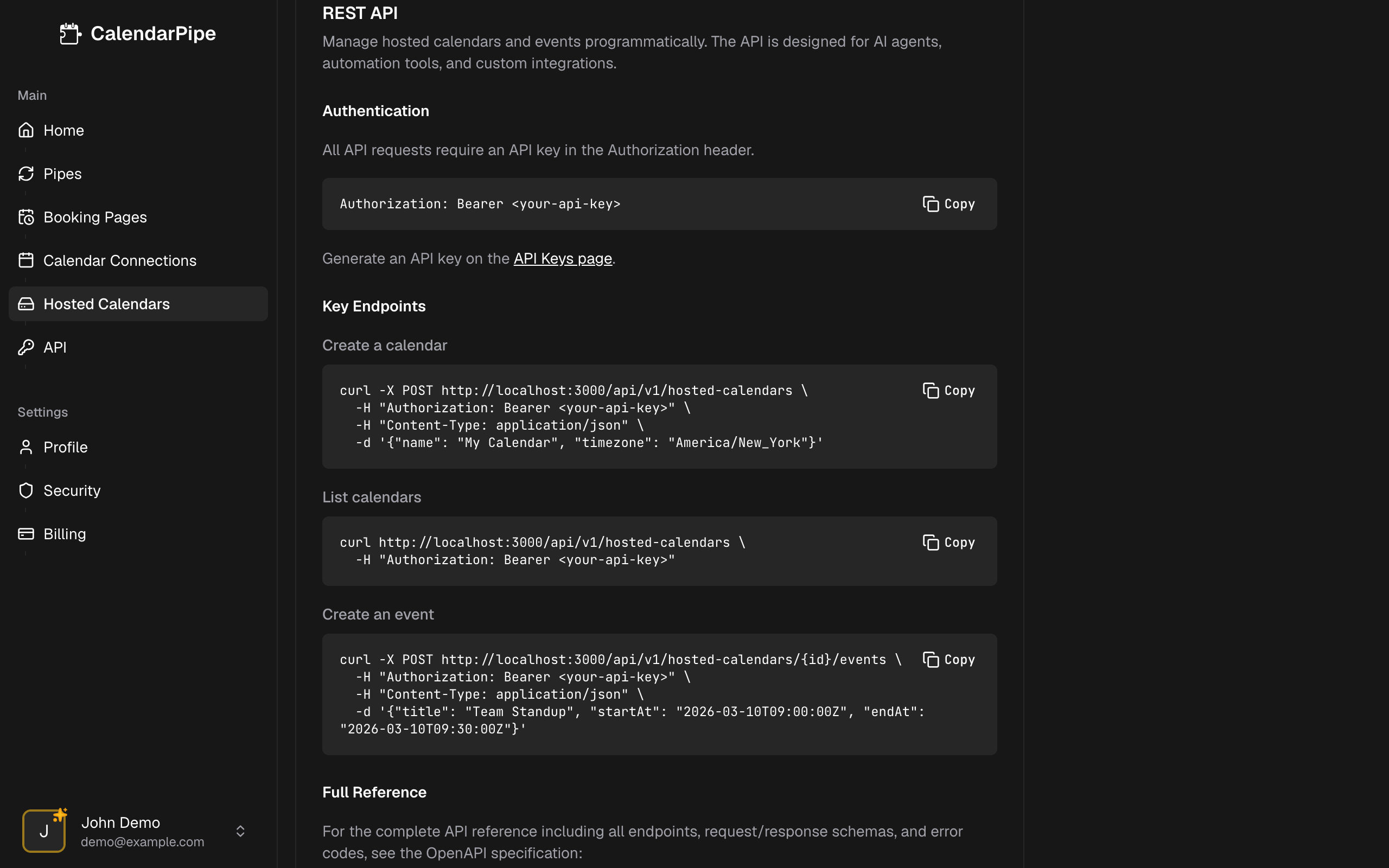
POST /api/v1/hosted-calendars
Authorization: Bearer <api_key>
Content-Type: application/json

{
  "name": "My Agent Calendar",
  "timezone": "America/New_York",
  "organizerDisplayName": "Scheduling Bot"
}
Response (201):
{
  "data": {
    "id": "5e6ea455-...",
    "name": "My Agent Calendar",
    "feedToken": "abc123...",
    "calendarEmail": "cal-abc123...@in.calendarpipe.com",
    "timezone": "America/New_York",
    "organizerDisplayName": "Scheduling Bot",
    "createdAt": "2026-03-10T00:00:00Z",
    "updatedAt": "2026-03-10T00:00:00Z"
  }
}
Always set organizerDisplayName when creating agent calendars so invitations are human-readable for recipients.
List Your Calendars
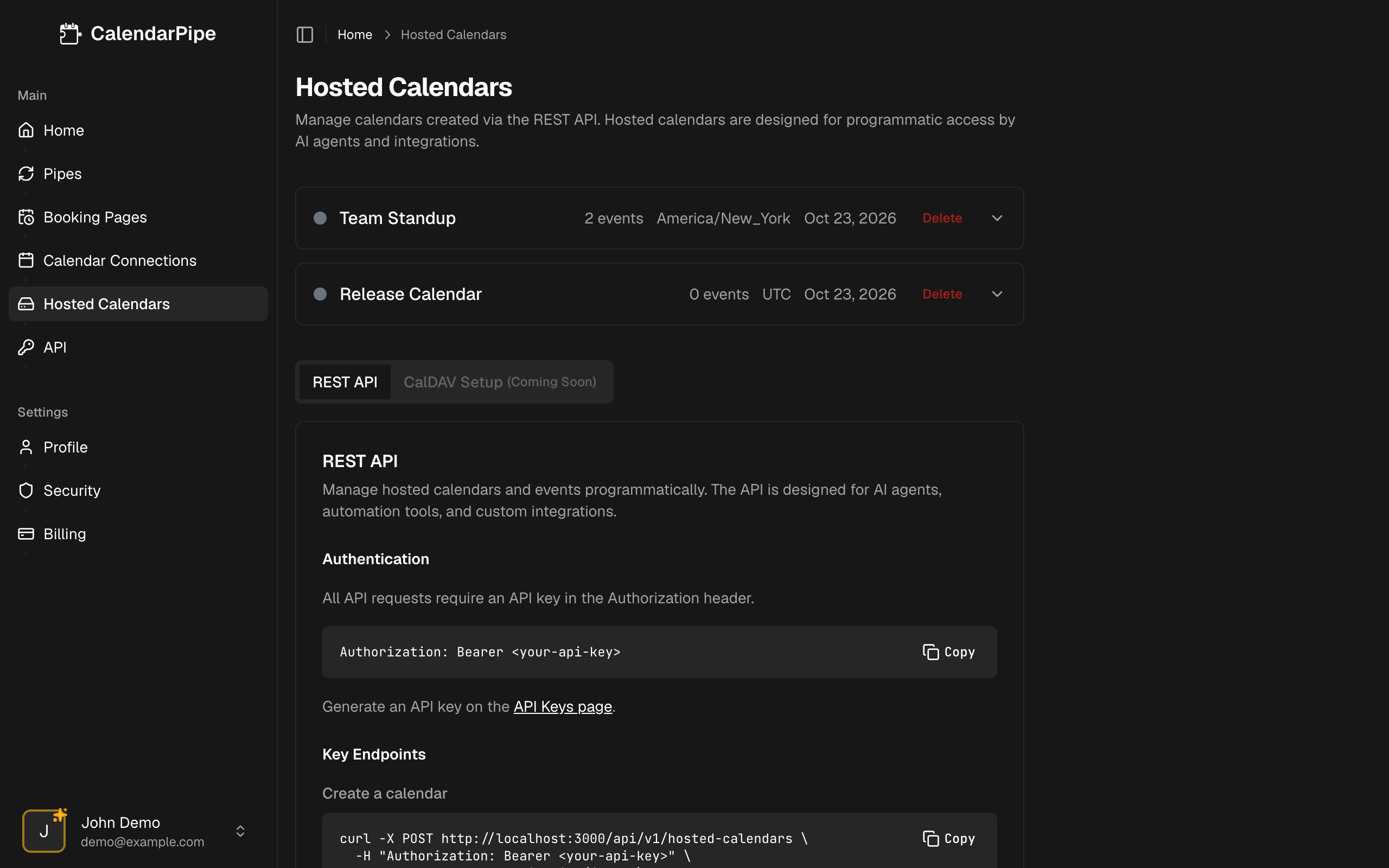
GET /api/v1/hosted-calendars
Authorization: Bearer <api_key>
Response (200):
{
  "data": [
    {
      "id": "5e6ea455-...",
      "name": "My Agent Calendar",
      "feedToken": "abc123...",
      "calendarEmail": "cal-abc123...@in.calendarpipe.com",
      "timezone": "America/New_York",
      "organizerDisplayName": "Scheduling Bot",
      "createdAt": "2026-03-10T00:00:00Z",
      "updatedAt": "2026-03-10T00:00:00Z"
    }
  ]
}
Update a Calendar
Update any subset of name, timezone, or organizerDisplayName:
PATCH /api/v1/hosted-calendars/{id}
Authorization: Bearer <api_key>
Content-Type: application/json

{
  "name": "Renamed Calendar",
  "organizerDisplayName": "New Bot Name"
}
Response (200): Returns the updated calendar object.
Delete a Calendar
DELETE /api/v1/hosted-calendars/{id}
Authorization: Bearer <api_key>
Response (204): No content. The calendar and all its events are permanently deleted.
Regenerate Feed Token
POST /api/v1/hosted-calendars/{id}/regenerate-token
Authorization: Bearer <api_key>
Regenerating the feed token changes the feedToken and ICS feed URL for this calendar. Existing ICS subscriptions will stop updating until subscribers reconnect with the new URL. calendarEmail is unchanged, so in-flight invitation RSVPs continue to route correctly.
Use this endpoint only if the feed token has been compromised or you need to revoke access from existing subscribers.
The same thing is available without the API: open the calendar on the Hosted Calendars page and choose Generate new URL.
Access Your Calendar
Once created, you can access your hosted calendar through:
- CalDAV Setup — Connect to Apple Calendar, Thunderbird, or any CalDAV-compatible app for read/write access
- ICS Feed — Subscribe to a read-only
.icsfeed URL in any calendar app
Related
- CalDAV Setup — connect a calendar app for two-way sync.
- ICS Feed — subscribe to a read-only feed.
- Invitations — send and respond to calendar invitations programmatically.